πŸ‡¨πŸ‡¦ Canadian Streaming Excellence Β· 4K UHD & Sports

Anubis IPTV β€” 4K Streaming, Live TV & Sports in Canada

Stream live TV, sports, movies, series and VOD on Smart TV, Fire Stick, Android and iOS with simple installation and friendly WhatsApp support for Canadian viewers.

4.9/5Customer reviews
41,821+Live channels
177,000+Movies & series

Choose stable streaming and full access from CA$95.03/year for one device.

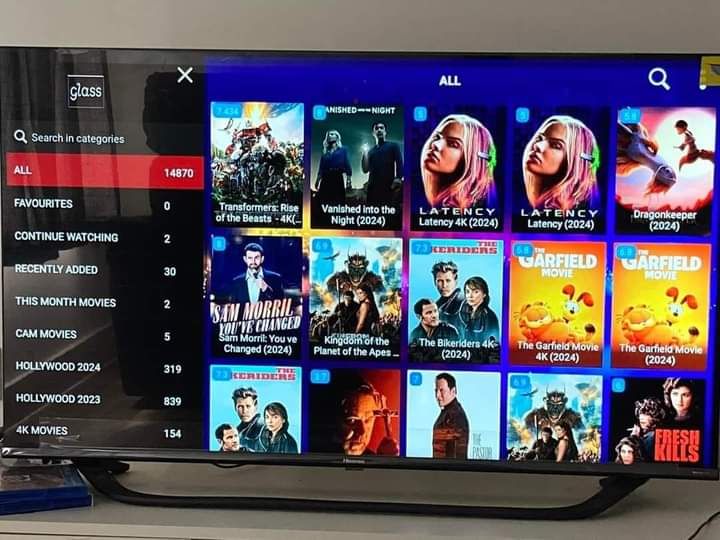
Movies and series

Discover on-demand entertainment with Anubis IPTV

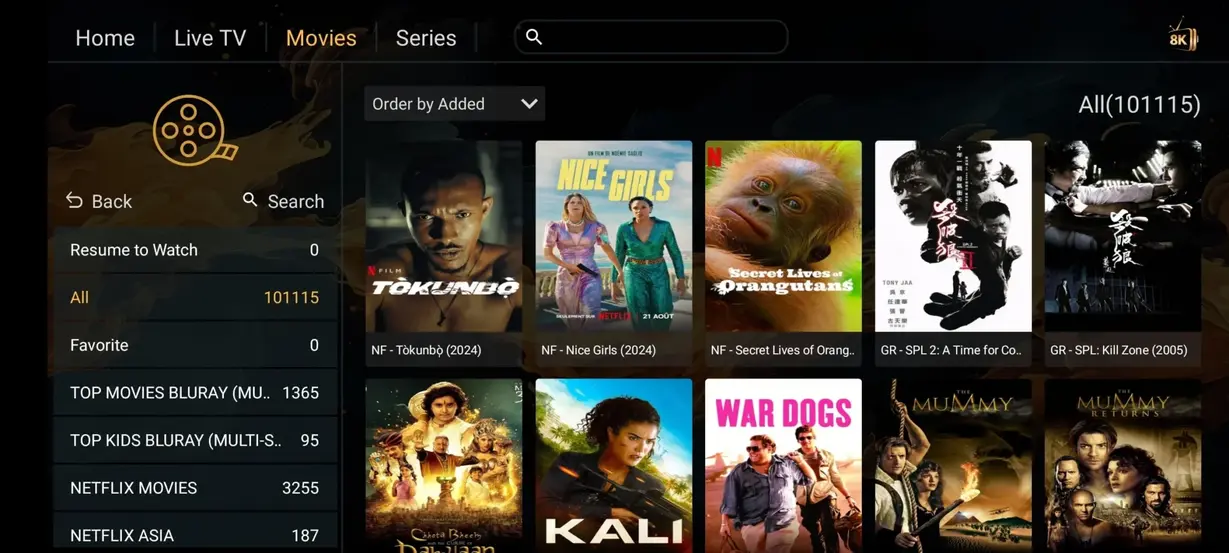
Anubis IPTV, sometimes searched as IPTV Anubis, offers a broad VOD library for relaxed movie nights, new series and familiar favourites on the screen you prefer.

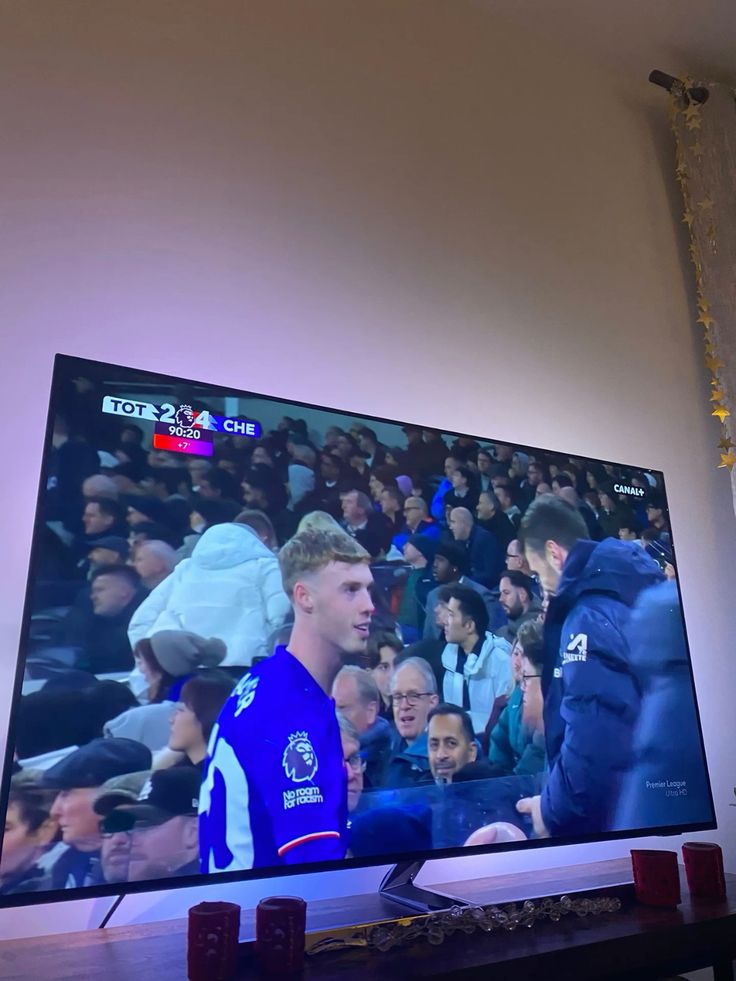
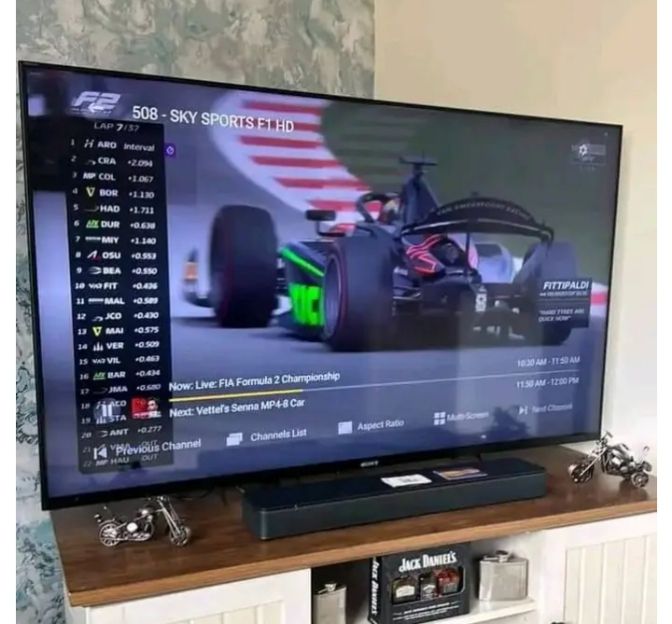
Live sport

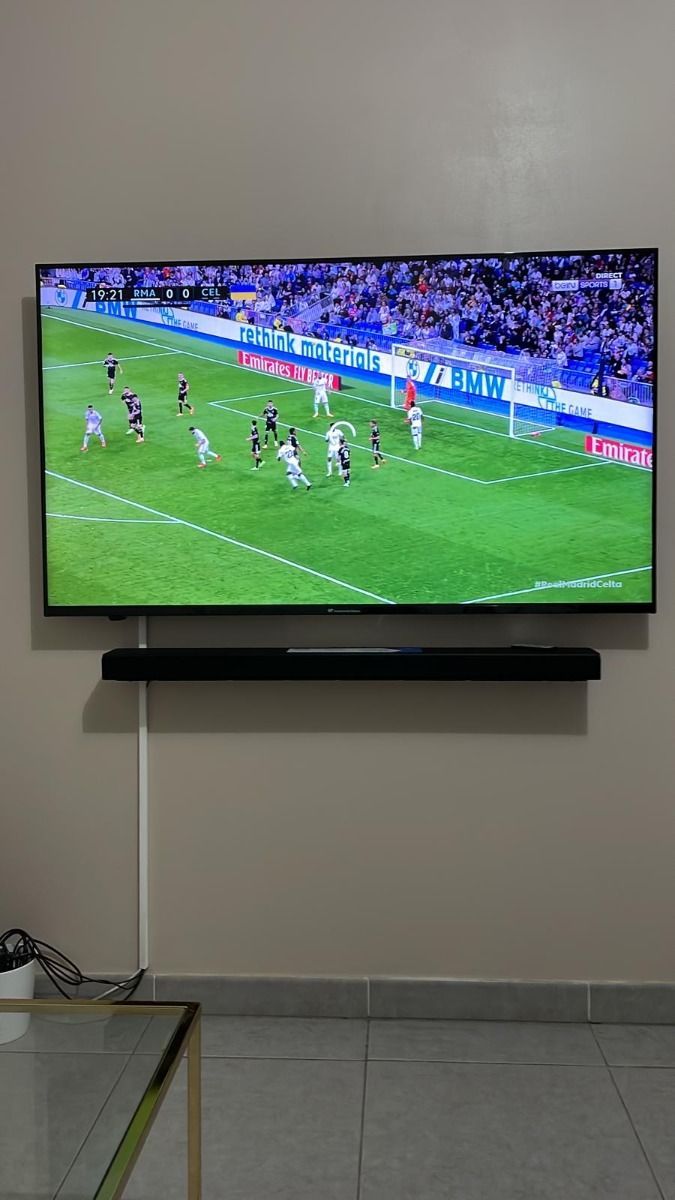
Follow the events Canadian sports fans watch

Move from league matches to motorsport and major events through dedicated sports categories designed for quick browsing.

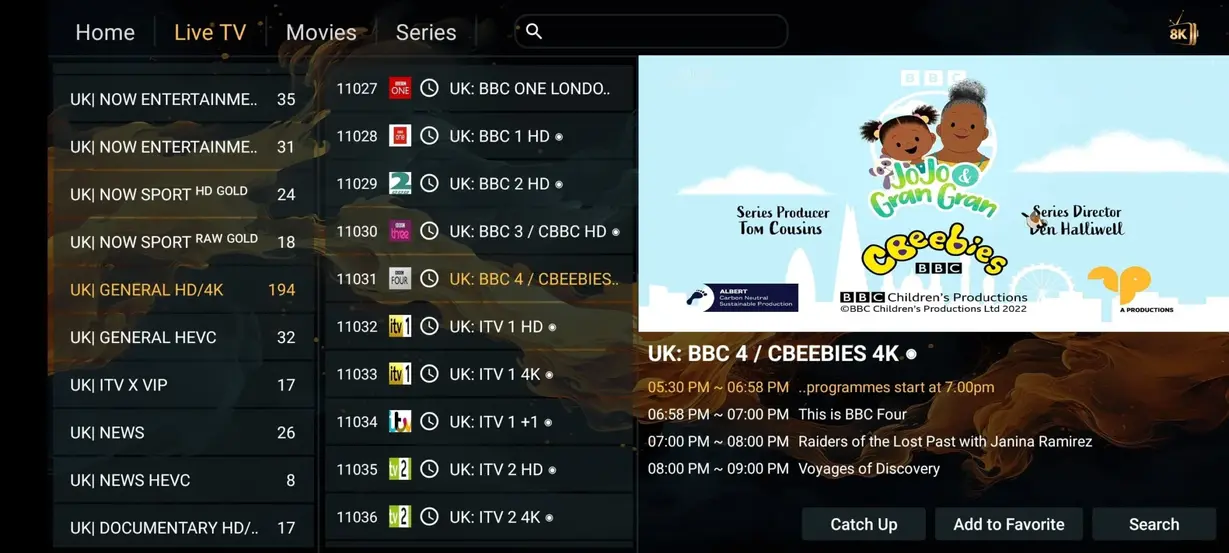
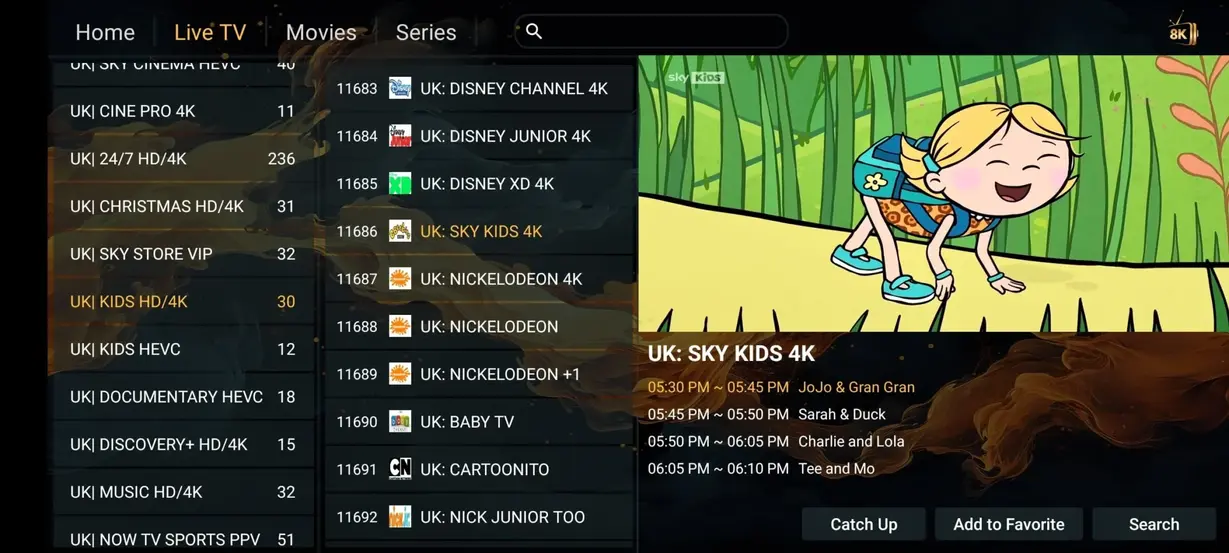
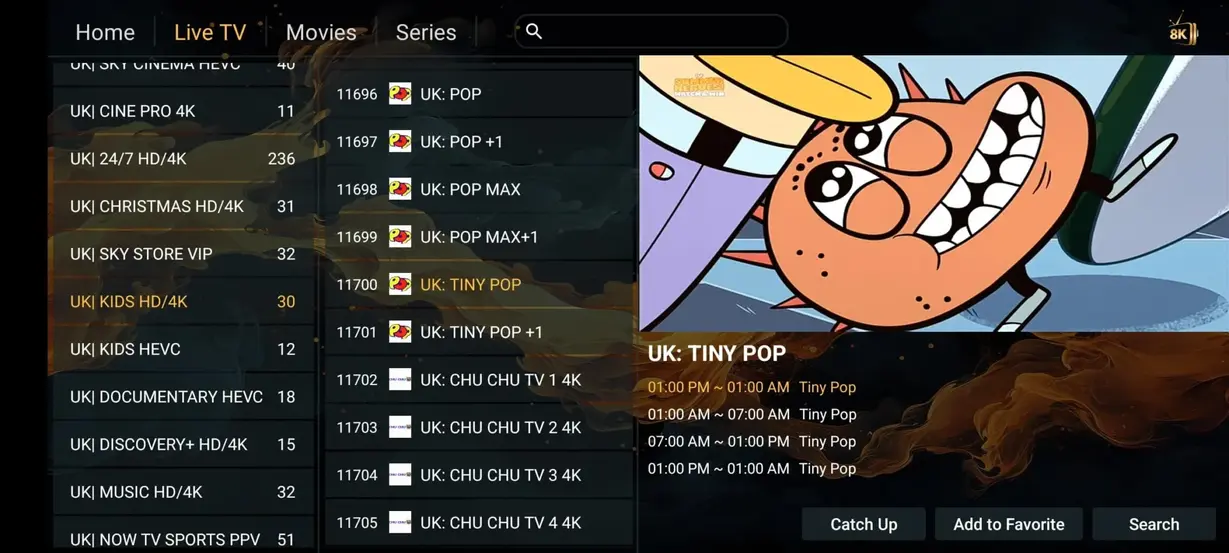
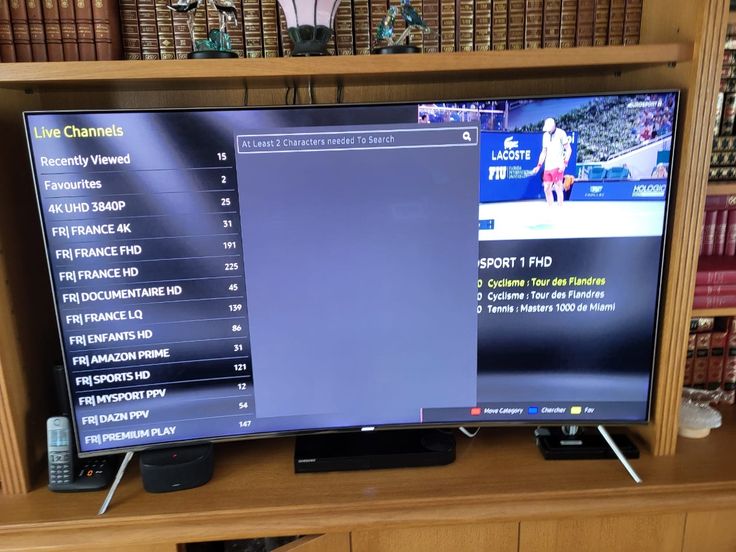
Interface preview

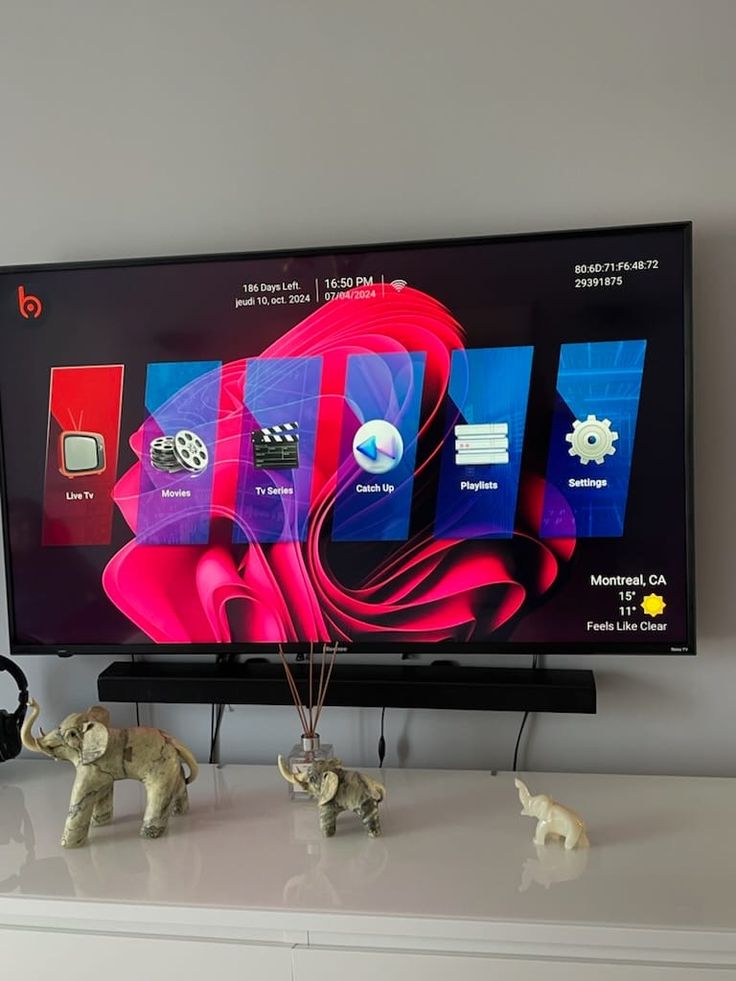
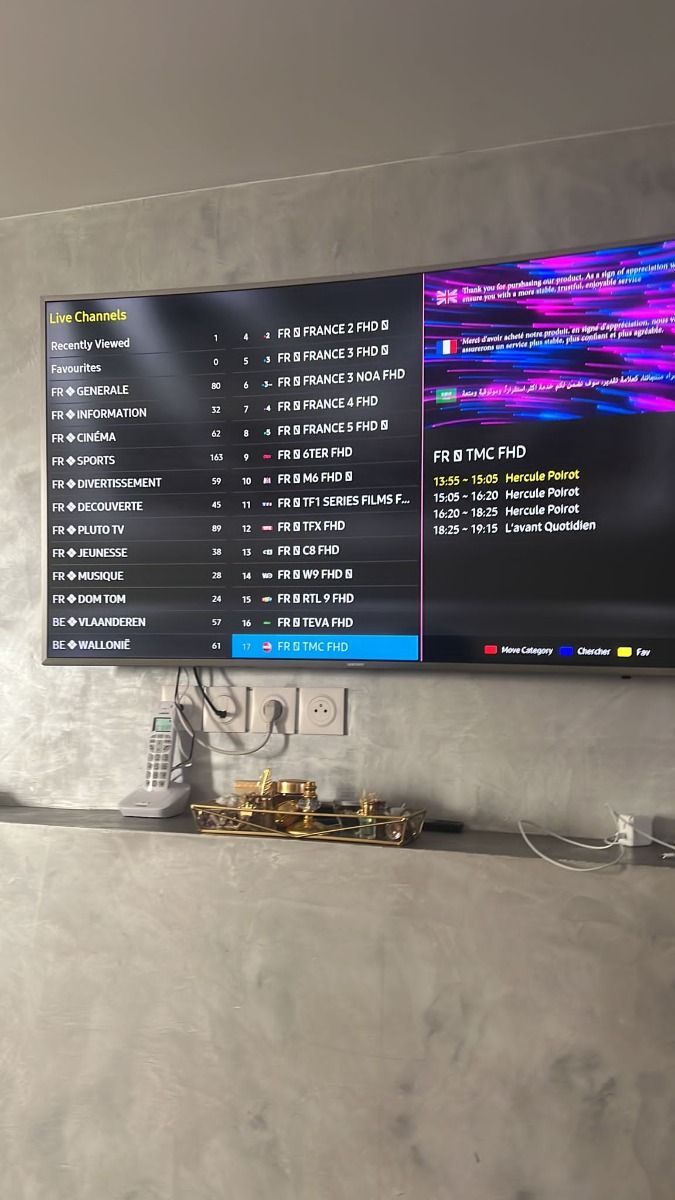
See how Anubis IPTV fits your screen

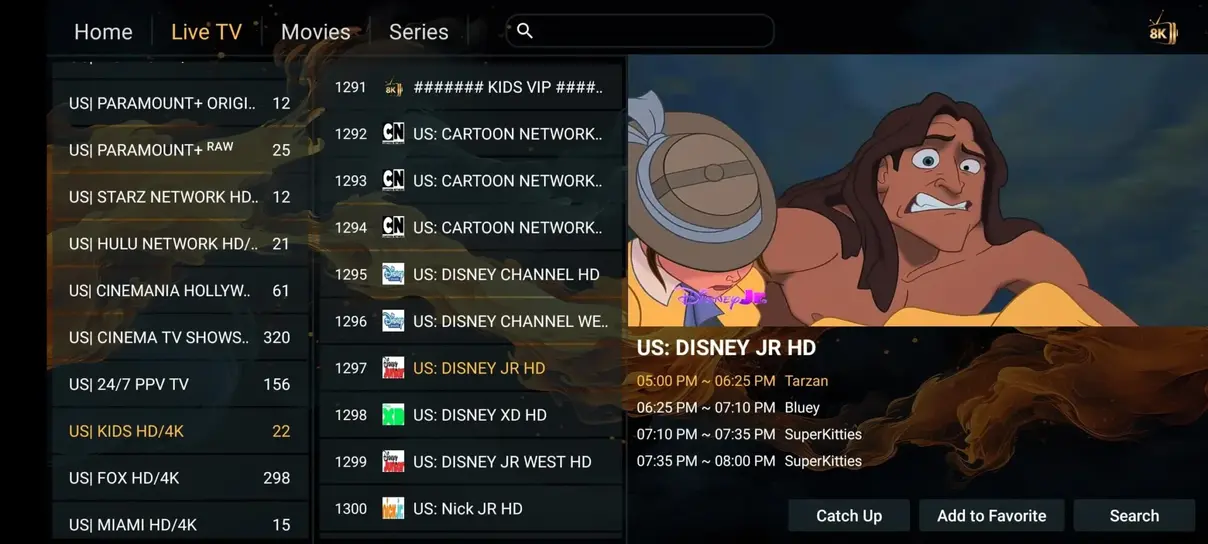
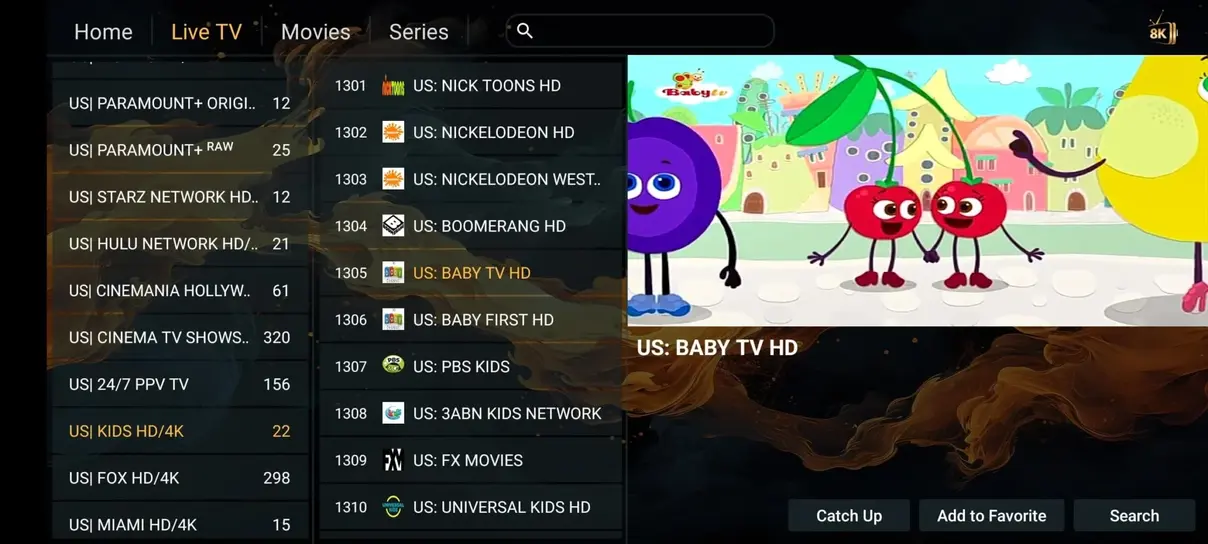
Preview the visual rhythm of live categories, VOD artwork and familiar navigation before choosing your preferred player.

Compare your options

Anubis IPTV and traditional television at a glance

Use this Canadian price and feature comparison as a practical starting point when reviewing your household entertainment costs.

FeatureAnubis IPTVCable/Satellite
Annual CostCA$95.03/year (1 device)CAD $1,200+/year
Live Channels41,821+200–500
Movies & Series177,000+Pay extra
Adult ChannelsIncludedNot available
24/7 Channels1,000+None
All Sports IncludedIncludedNot included
No ContractsYesNo
Watch AnywhereYesLimited

Fixed subscription pricing

Choose your Anubis IPTV subscription

Select the currency and number of devices for your household. Every displayed total is fixed from the September 26, 2026 price table, and the order message follows your selection.

Currency
Devices
1 device
1 device

3 Months

CA$41.88total
CA$13.96 / moOnly CA$0.47 / day

One clear subscription period for a compatible IPTV player and your preferred viewing device.

  • 35,000+ international TV channels
  • 179,000+ movies & series on demand
  • SD/HD/FHD/4K/UHD quality
  • Anti-buffer servers
Order 3 Months
1 device

6 Months

CA$62.81total
CA$10.47 / moOnly CA$0.35 / day

One clear subscription period for a compatible IPTV player and your preferred viewing device.

  • 35,000+ international TV channels
  • 179,000+ movies & series on demand
  • SD/HD/FHD/4K/UHD quality
  • Anti-buffer servers
Order 6 Months
1 device

1 Month

CA$19.33total
CA$19.33 / moOnly CA$0.64 / day

One clear subscription period for a compatible IPTV player and your preferred viewing device.

  • 35,000+ international TV channels
  • 179,000+ movies & series on demand
  • SD/HD/FHD/4K/UHD quality
  • Anti-buffer servers
Order 1 Month
Secure payment methods accepted for Anubis IPTV

Fixed prices are shown in the selected currency. Support confirms availability and payment instructions before activation.

Three clear steps

Activate Anubis IPTV on a compatible player

The setup works with a range of IPTV players, so you can start from the device and app that already feel familiar.

01

Install the App

Choose a compatible IPTV player from the official app store for your Smart TV, Fire Stick, Android, iOS or computer.

02

Enter Your Access Details

Add the login or playlist details supplied during activation, using the field names shown by your chosen player.

03

Start Watching

Refresh the playlist, allow categories and guide data to load, then open a live channel or on-demand title.

Watch your way

Anubis IPTV works across popular devices

Set up a compatible player on televisions, streaming sticks, phones, tablets and computers for flexible viewing at home or away.

Customer experiences

What Canadian viewers value about Anubis IPTV

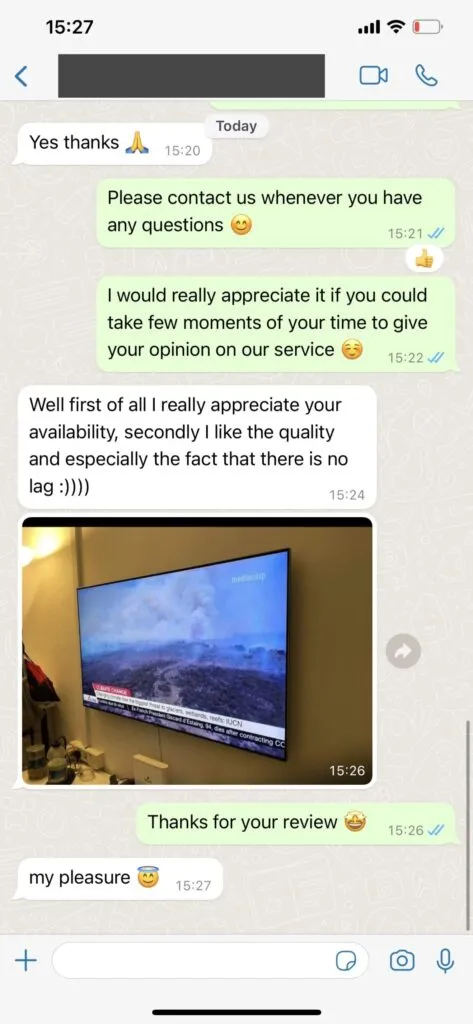
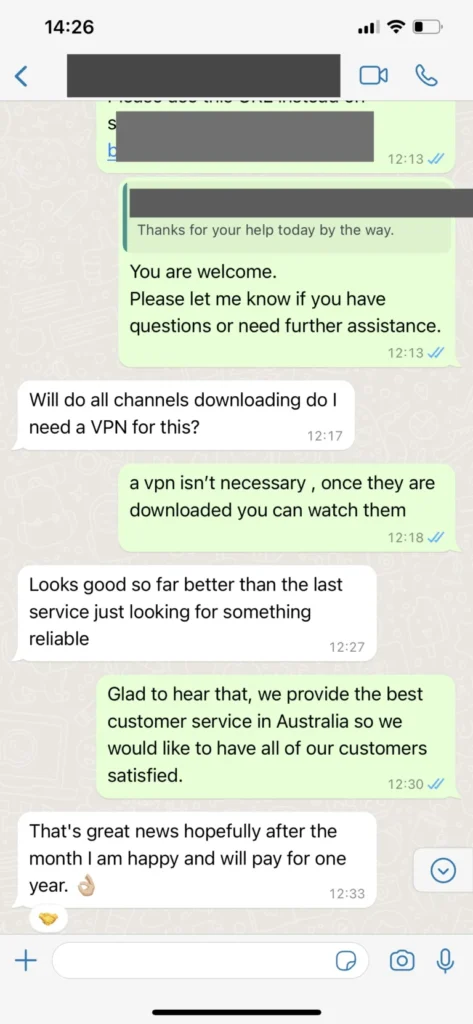
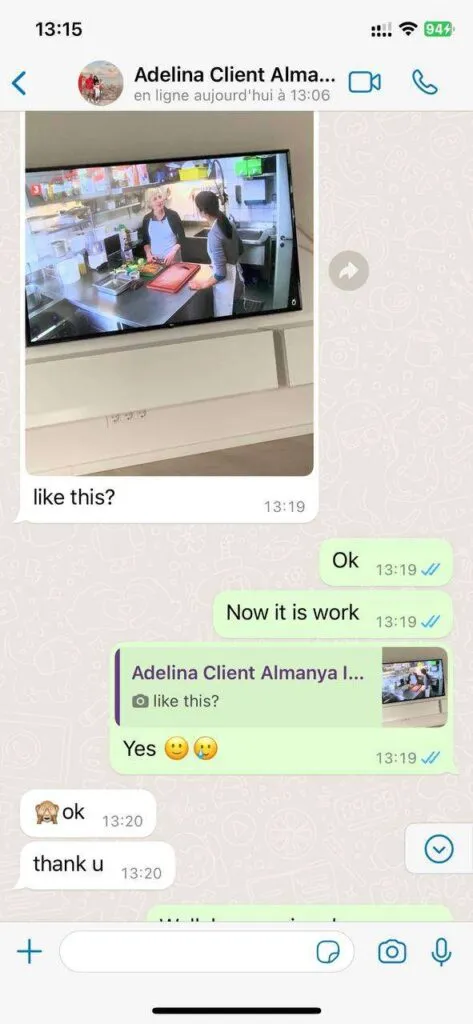
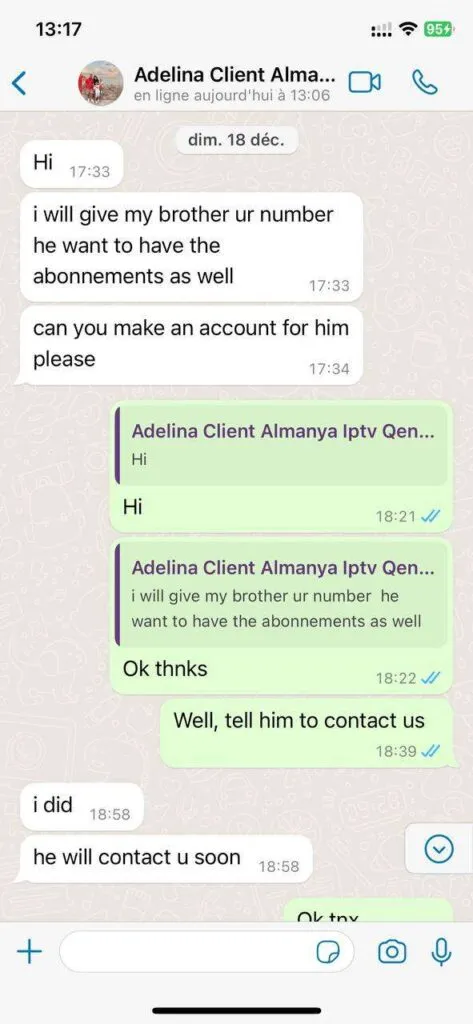
These short experiences focus on setup, devices, categories and support without claiming independent purchase confirmation.

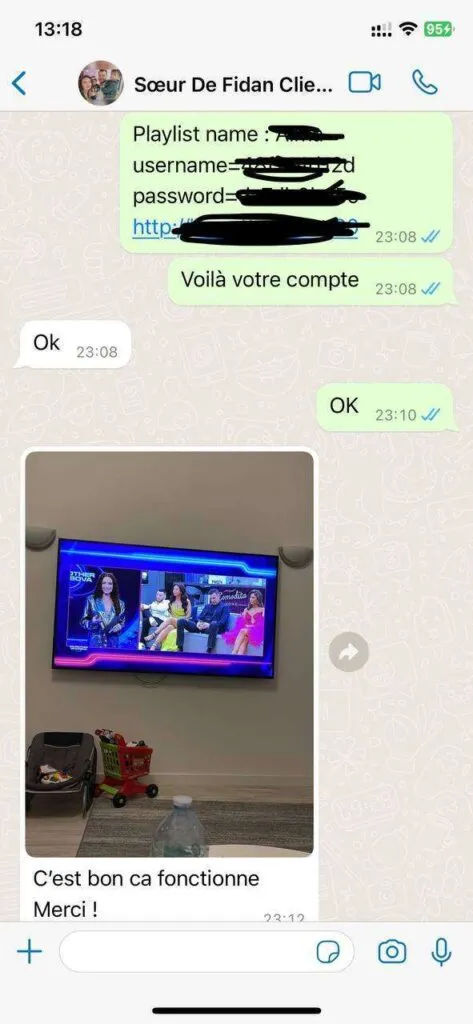
WhatsApp experiences

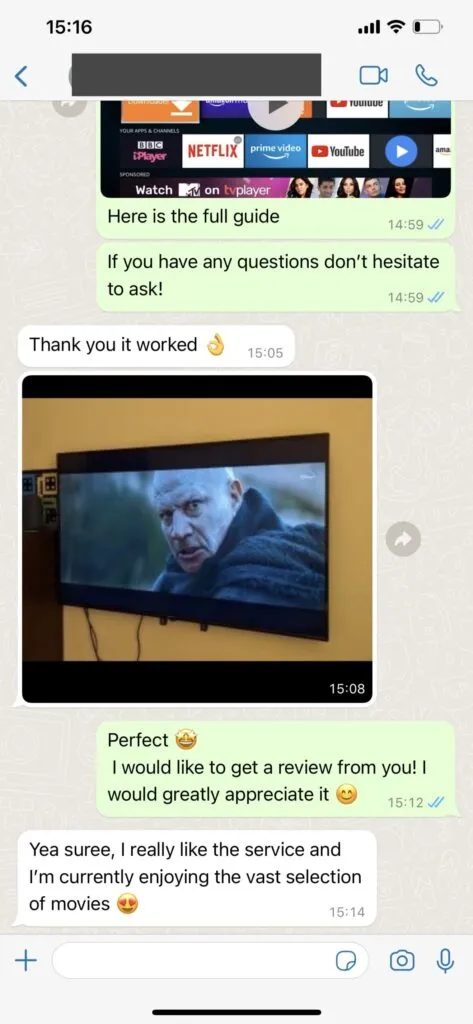
Clear support conversations from first question onward

See the style of practical, step-by-step communication viewers can expect when asking about plans, apps or device setup.

Everyday streaming features

Useful Anubis IPTV features without the clutter

Combine live viewing, on-demand choice, compatible devices and practical support in one straightforward Canadian IPTV experience.

01

Live TV categories

Move from local news to international entertainment without digging through one long, confusing list.

02

Sports-first browsing

Keep major sports categories close at hand when a match, race or event is the reason you are watching tonight.

03

VOD and series

Choose a film or series when you want something on your schedule rather than the broadcast schedule.

04

EPG-friendly setup

Use guide data in compatible players to see what is on now and what is coming next.

05

Flexible devices

Use a familiar screen at home and a smaller screen when you are travelling or away from the sofa.

06

Clear setup help

Get plain-language guidance for apps, login details, playlists and the first few minutes after activation.

Seven common questions

Frequently asked questions about Anubis IPTV

Practical Canadian-English answers about support, payment, devices, content, internet speed, VPN use and travel.

How can I contact customer support?

Anubis IPTV customer support is available through the WhatsApp links on this website. Include your device model, IPTV player name and a clear description of the question so the support conversation can begin with the right context.

How do support, ordering and payment work?

Choose the subscription period and screen count that suit you, then open the plan-specific WhatsApp message. Support confirms current availability, explains the payment process and supplies activation details. Never send card numbers or passwords in a chat.

Which devices and IPTV apps are supported?

Compatible options include Smart TVs, Fire TV and Fire Stick, Android phones and boxes, iPhone, iPad, Apple TV, Windows, macOS, Chromecast, Google TV, MAG, Formuler and Enigma2 devices. App availability depends on the operating system and regional app store.

Which channels and on-demand content are available?

Plans are presented with live channel, sports, movie, series, replay and EPG features. Categories and individual listings can change, so ask support about a particular channel, language or event before ordering when it is essential to your decision.

What internet speed is recommended for IPTV?

A stable connection matters as much as headline speed. About 10 Mbps is a practical starting point for HD, while 25 Mbps or more gives 4K streams more room on a busy Canadian home network. Ethernet can be more consistent than distant Wi-Fi.

Do I need a VPN to use Anubis IPTV?

A VPN is optional. Some viewers use one for privacy or while travelling, but it cannot repair weak Wi-Fi, incorrect login details or an incompatible app. If you use one, compare playback with and without it.

Can I use my subscription while travelling?

You can use a compatible device while travelling when your plan, destination, internet connection and local rules allow it. Test the app before departure, protect your login details and remember that hotel or mobile networks may be slower than your home connection.

Choosing with confidence

Connect the homepage offer to your household

The homepage brings plans, devices, content previews and support into one path. These final checks help translate the headline offer into a practical Canadian household decision.

01

Start with simultaneous viewing

Count how many screens normally play at once rather than every device in the home. That distinction determines whether a single-screen or multi-screen plan fits.

Work through the evidence in a fixed order: map a typical busy evening; then include televisions and mobile devices; and finally choose capacity before duration. Keeping that order makes the outcome easier to reproduce and gives support a concise account if the result differs from what you expected.

  • Map a typical busy evening
  • Include televisions and mobile devices
  • Choose capacity before duration

The useful outcome is a plan and setup path matched to actual viewing. For a visitor comparing the complete Anubis IPTV offer, the question of start with simultaneous viewing deserves closer attention whenever headline totals replace confirmation of the few details that matter most. Keep the original settings available, change one variable at a time and record the result before moving to the next step.

02

Confirm the preferred devices

List the exact Smart TV, Fire Stick, Android, Apple or computer platforms that will be used. Compatible apps and controls vary by operating system.

Begin with the simplest observable check: check model numbers. Once that is confirmed, review the installation guide. Finish by checking whether you can confirm the player login format. Avoid changing unrelated settings between these steps so that the cause of any difference remains visible.

  • Check model numbers
  • Review the installation guide
  • Confirm the player login format

Treating confirm the preferred devices as part of a connected viewing setup is more useful than treating it as an isolated promise. The objective is a plan and setup path matched to actual viewing. If headline totals replace confirmation of the few details that matter most, stop and confirm the missing detail before spending money, deleting a working profile or changing several settings together.

03

Separate essential content

A short must-have list is more useful than a very large catalogue number. Ask about important languages, stations or events before ordering.

A practical review has three checkpoints. Verify that you can prioritize three essentials. Compare the result while you include event dates. Before deciding, make sure you can treat previews as examples. Write down exceptions rather than relying on memory, especially when several people or devices are involved.

  • Prioritize three essentials
  • Include event dates
  • Treat previews as examples

A sound decision about separate essential content should be repeatable on the intended device and understandable to everyone using it. That supports a plan and setup path matched to actual viewing. Where headline totals replace confirmation of the few details that matter most, current confirmation from support is more useful than an old screenshot or an assumption.

04

Prepare the home connection

Test internet quality where the main television sits and leave room for other household traffic. Stable Wi-Fi or Ethernet matters to everyday playback.

Test this in the situation where it will actually be used. First, measure near the screen. Repeat the check as you pause heavy downloads, then confirm that you can use Ethernet when practical. This small record separates a repeatable result from a one-time impression and makes the next action clearer.

  • Measure near the screen
  • Pause heavy downloads
  • Use Ethernet when practical

This checkpoint matters because a visitor comparing the complete Anubis IPTV offer needs evidence that applies to the real household, not a generic best-case example. Aim for a plan and setup path matched to actual viewing, and document the device, app, connection and observed result if headline totals replace confirmation of the few details that matter most.

05

Use the plan-specific message

The pricing buttons prepare the exact subscription duration and screen count for WhatsApp. Review the message before sending so support can confirm the right CAD total.

Work through the evidence in a fixed order: read the plan name; then confirm annual bonuses; and finally keep payment details out of chat. Keeping that order makes the outcome easier to reproduce and gives support a concise account if the result differs from what you expected.

  • Read the plan name
  • Confirm annual bonuses
  • Keep payment details out of chat

The useful outcome is a plan and setup path matched to actual viewing. For a visitor comparing the complete Anubis IPTV offer, the question of use the plan-specific message deserves closer attention whenever headline totals replace confirmation of the few details that matter most. Keep the original settings available, change one variable at a time and record the result before moving to the next step.

06

Plan the first setup session

Install a compatible player, enter the supplied details and let categories load before adjusting advanced options. One deliberate setup is easier to repeat on another screen.

Begin with the simplest observable check: use an official app source. Once that is confirmed, protect credentials. Finish by checking whether you can test live TV and VOD separately. Avoid changing unrelated settings between these steps so that the cause of any difference remains visible.

  • Use an official app source
  • Protect credentials
  • Test live TV and VOD separately

Treating plan the first setup session as part of a connected viewing setup is more useful than treating it as an isolated promise. The objective is a plan and setup path matched to actual viewing. If headline totals replace confirmation of the few details that matter most, stop and confirm the missing detail before spending money, deleting a working profile or changing several settings together.

WhatsApp